
elevatedx email configuration
Navigate to your elevated x admin portal and click on the settings icon on the top right side of your web browser window. Enter the…
Navigate to your elevated x admin portal and click on the settings icon on the top right side of your web browser window. Enter the…
After installing a SSL certifcate on your website you may end up having broken pages. This is because you have mixed content and the browsers…
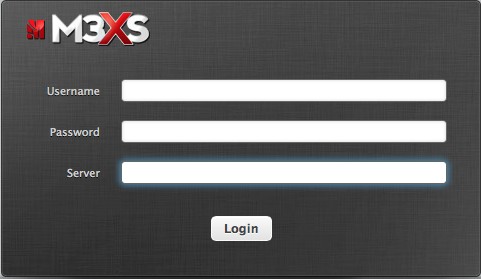
1) Click Link: https://webmail.m3xs.net 2) Enter Username: dave Note: usernames should be all lowercase without full email address extension. 3) Enter password making sure to…
Want to force users to use SSL on your site? Add this code to the top of your .htaccess file, edit our domain with your…

Log in to your M3 Admin Control Panel EXAMPLE: https://servernamehere.m3xs.net/adm/ Note: Put your server name where it says yourservername in the example URL above. 1….
Log in to your M3 Admin Control Panel EXAMPLE: https://servernamehere.m3xs.net/adm/ Note: Put your server name where it says yourservername in the example URL above. Note:…
Log in to your M3 Admin Control Panel EXAMPLE: https://servernamehere.m3xs.net/adm/ Note: Put your server name where it says yourservername in the example URL above. Note:…

This example illustrates how to redirect a directory or site to a different web site depending on your specific country codes using Apache’s htaccess. RewriteEngine…

Using the W3TC plugin we found that it was possible for google to be indexing the CDN subdomain. Here is what we did to help…